 UnitySteps
From first setup to final lap.
Create your event, get participants connected and watch the shared totals grow.
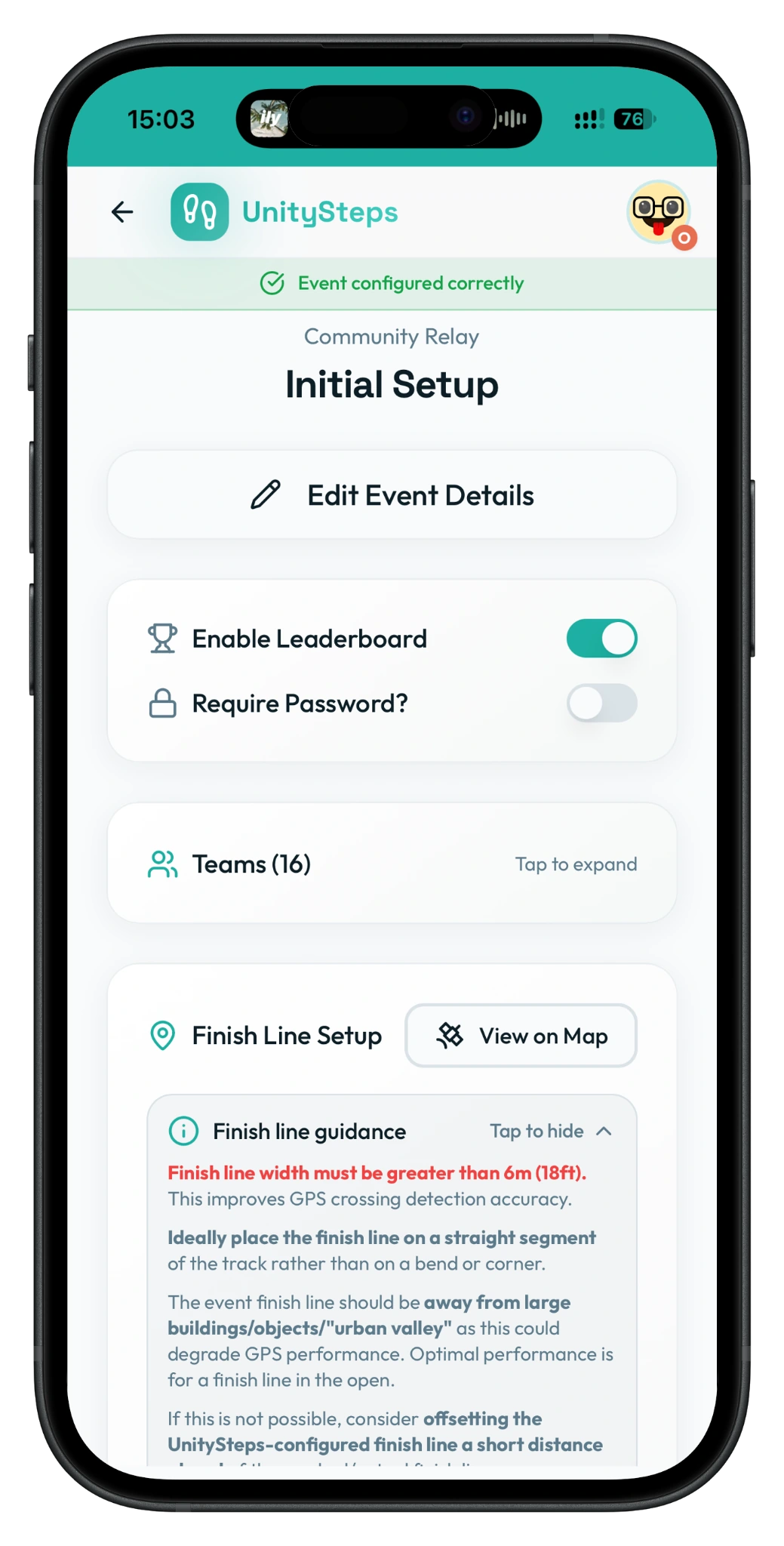
Set up the course
Create an event, define the virtual finish line, enter or measure the track length and test the setup.
Use the app’s provided setup and joining instructions. The free trial allows up to two participants to test the workflow before upgrading.
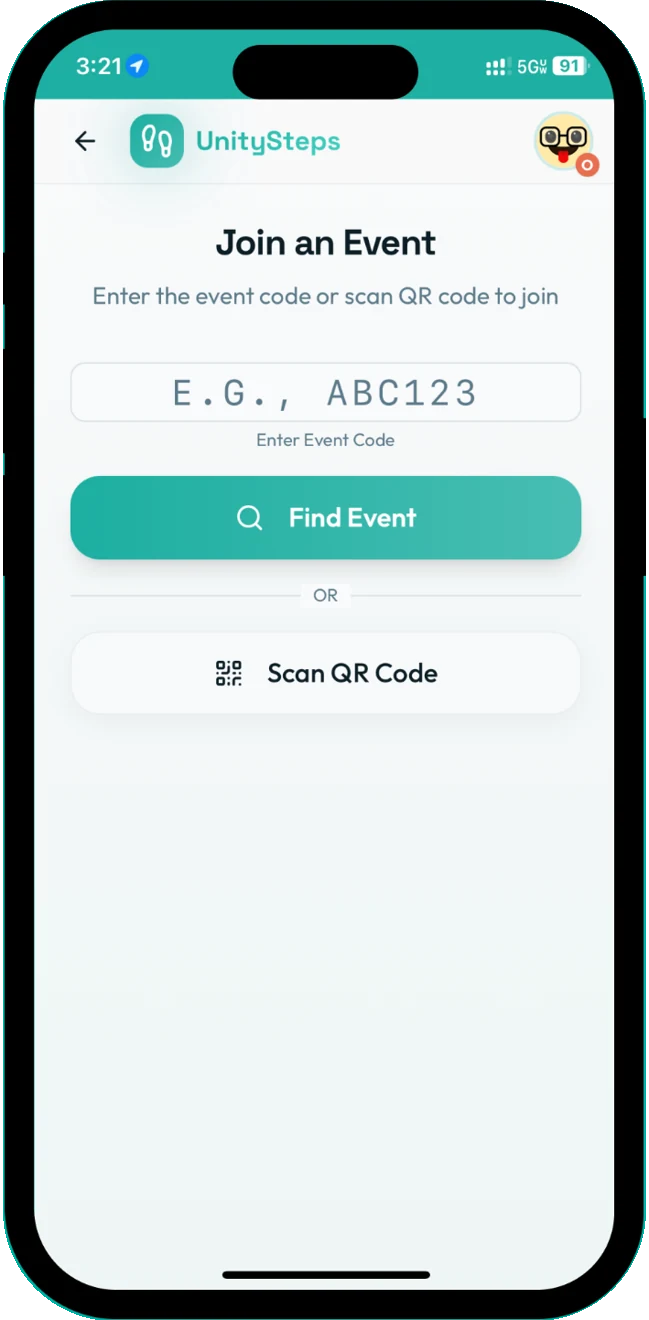
Get everyone connected
Share the generated joining instructions. Participants download the free app, enter the event code or scan the QR code, and select a team if used.
Automatic individual lap tracking requires a supported device.
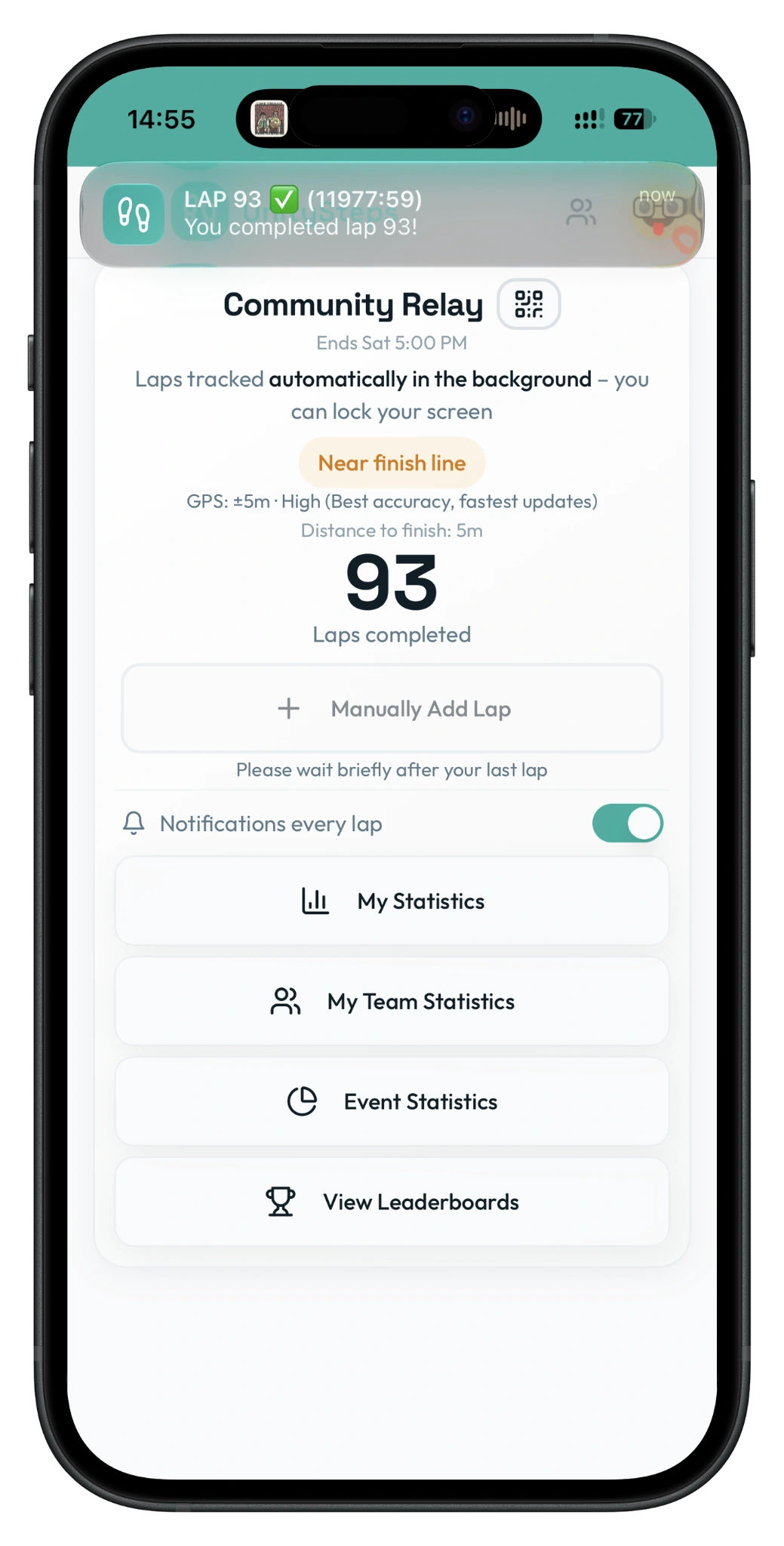
Walk. Run. Count.
While the app is running, GPS detects finish-line crossings and records completed laps. The screen can be locked; do not force-close the app.
Location permissions must be enabled for tracking. Manual corrections are available if the organizer permits them; organizers can add or adjust laps for individuals or teams.
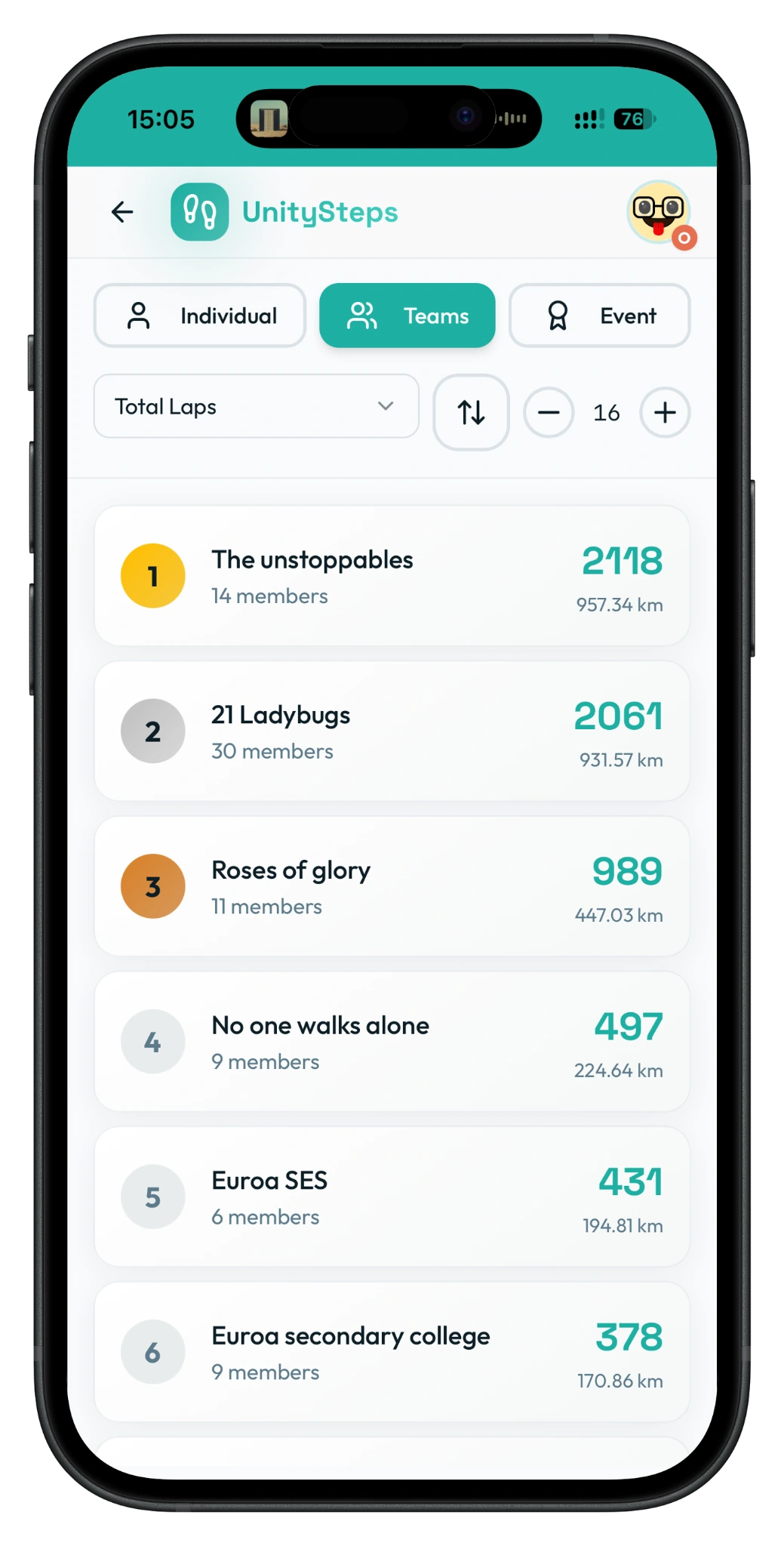
Celebrate the total
Watch individual, team and event progress grow. Display live results on a large screen, award milestones and export data after the event.
Organizers can export their event data when finished.
Before your event
Get your teams, milestones, displays and organizing crew ready before event day.
Set up teams
Create or paste your team list before sharing joining instructions so participants can select the right team.
Set up milestones
Configure individual, team and event-wide milestones to celebrate progress and keep participants motivated.
Arrange big screens
Arrange screens for Leaderboards and LiveDisplay. Test the browser-based displays, internet connection and screen visibility at the venue before the event.
Send out joining instructions
Share the generated download and event-joining QR codes ahead of time. Remind participants to grant location permissions, keep the app running and charge their phones.
Set up co-organizers
Add your co-organizers and confirm who will manage the event, assist participants and handle individual or team lap corrections.
Choose and test the finish line
Use a straight section with a clear view of the sky, away from large buildings and trees. Set a virtual finish line at least 6 m (about 20 ft) wide, review the setup guidance and test several laps using the free trial.
Confirm the course length
Enter the known lap length or use the app’s measurement feature. Select metric or imperial units and check the resulting distances.
Review event settings
Decide whether to allow participant manual corrections and whether to enable or password-protect leaderboards. Confirm your settings before the event starts.
Video provided by YouTube. Internet connection required.
See the app for yourself.
Download the app and create a free test event with up to two participants. Contact us to discuss your event.
Ready for your next event?
Test UnitySteps on your own course for free before committing to a paid event.